
Photography Brief: Free Templates, Real Examples & Brief Maker
Planning photography or video coverage for a corporate event? A clear brief helps your photographer or videographer understand what’s happening, which moments matter most and how the finished content will be used.
Whether you’re organising a small networking function, a conference, a trade show or a multi-day corporate event, the aim is the same: give your production team enough information to capture the right content without making the briefing process unnecessarily complicated.
Below you’ll find our free Event Photography & Video Brief Maker, a practical planning guide, example photography briefs and shot lists drawn from real world event assignments.
What is a photography brief?
A photography brief is a document explaining what needs to be photographed, when and where the work will take place, and what the client expects to receive.
For corporate events, it may contain the event programme, priority speakers and guests, essential photographs, access arrangements and delivery deadlines.
When video is also required, the brief should identify the intended videos, interview opportunities, audio requirements and editing expectations.
The document doesn’t need to be elaborate. A small corporate function might need only a page of instructions, while a multi-day conference with photography, videography and interviews may require a more comprehensive production brief.
Importantly, a photography brief is not the same as a shot list. The brief establishes the overall objectives and production requirements. The shot list identifies particular photographs or scenes to capture.
Create your Event Photography & Video Brief
Event Brief Maker - Start Here
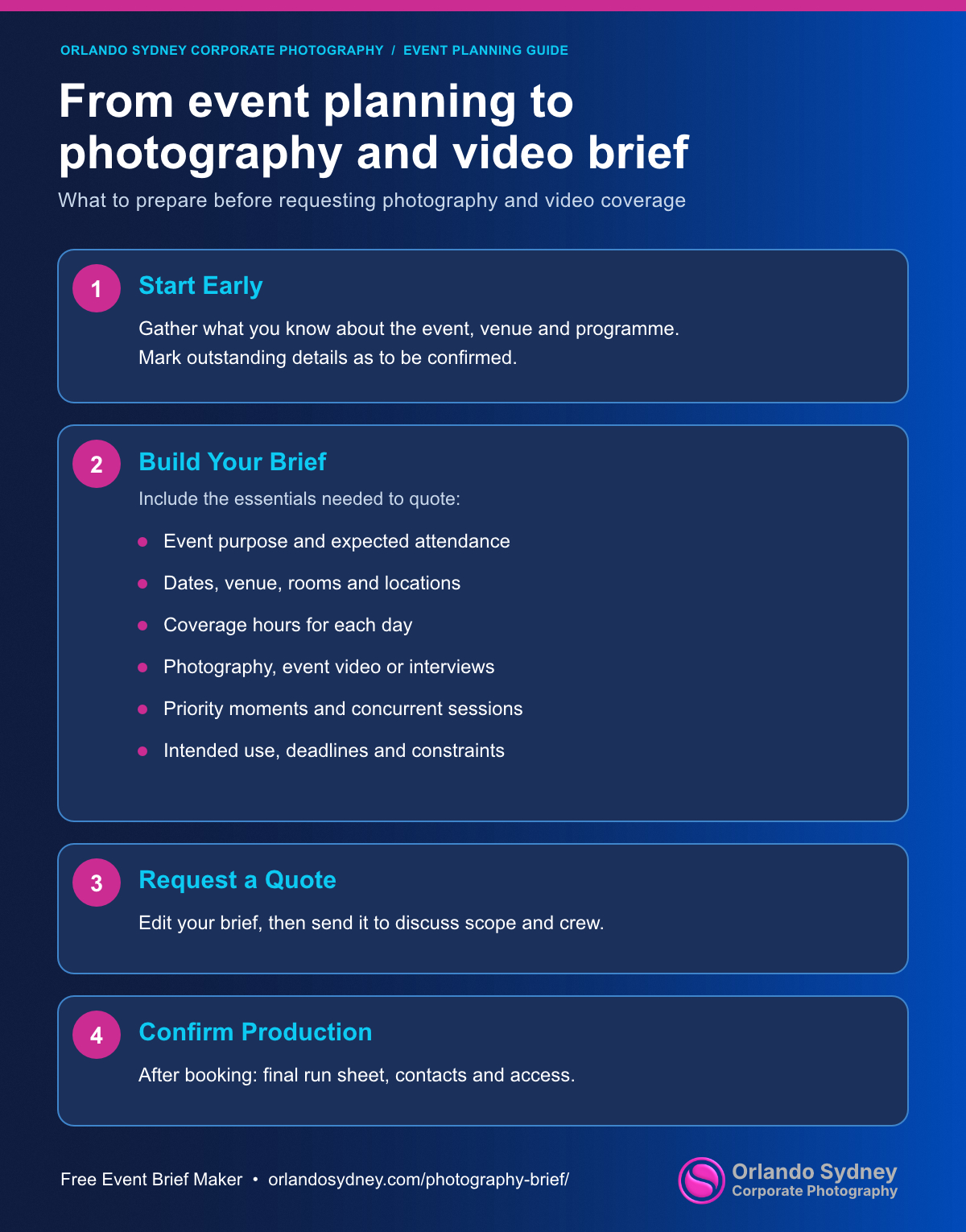
Put together a brief to request a quote for event photography, event video, or both. Use what you know now; leave the rest to be confirmed.
Your quote request brief
Edit the result here if you want to add context before copying or downloading it.
Suggested PDF filename: orlandosydney-event-quote-brief.pdf
After your project is booked in
Before event day, confirm the final run sheet, room and floor numbers, contacts at the venue, access instructions, priority people, permissions and how program changes will reach the crew.
Free photography brief template
A good simple free photo brief for small events
| Event Date: | Friday 32nd January 2028 |
| Time: | 1 x Photographer required on location from 10.00 am – 8.00 pm |
| Where: | The event will take place on Friday in ‘Function Room’ at the Sydney Opera House. |
| What: | • Example Company is holding its 10th annual ‘Innovation Day • Inviting over 200 of their clients, partners and prospects to hear about what’s on the horizon. • The theme of this year’s event is “Together”. • The format will be a conference with content and presentations from a keynote speaker. • A panel a fireside chat and a second keynote format. • Media wall • Small trade show. |
| Shot List Ideas: | • Roaming photos • Photos with views in the background of Sydney Harbour • Capture the venue set up prior to the guest arrival. • Media wall photos (required / not required) • Large group photos – showing how many people are in the room • Smaller group shots • People talking, laughing etc • People listening to the speakers (wide shots to show numbers of people) • People enjoying drinks at the end • All speakers on stage and in shots talking with others • Branding shots – posters, banners lighting, merchandise etc. • Photo at end of the Example Company team |
| Any Restrictions: | • Due to venue restrictions, you will not be permitted to take any photos of the exterior of the Opera House. • Safety Protocols as instructed by security and venue staff • No other known restrictions |
| Photo Delivery: | • Highlight photos within 24 hours from the conclusion of the event if possible. • Full photo album within 5 business days • Deliverables sent by link to private online viewable and download gallery |
| Last Step: | Sent the brief to enquiries@orlandosydney.com for a free quote |
Free photography brief template you can use
